
What to put on a Google Business Profile when you don't have a shop front
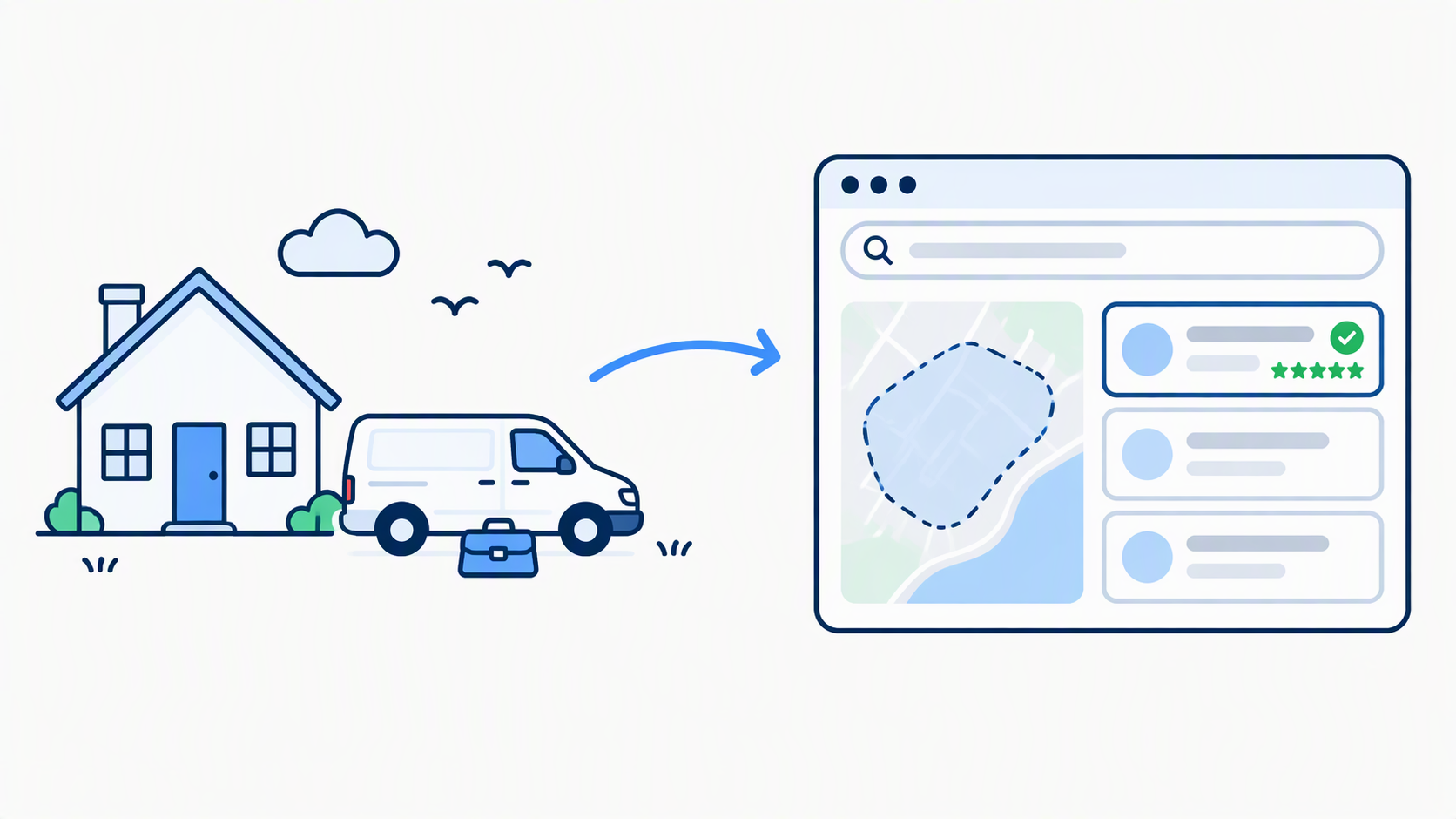
Search for the kind of work you do, in your own town, and see who comes up. If it isn't you, the next thought is often, "I haven't got a shop, so I probably can't have a listing anyway."
You can. Google lets you have a Business Profile if you travel to customers, and plenty of home-based practitioners and tradespeople have one. It just needs setting up differently from a shop's.
A quick note on names. Google My Business was renamed Google Business Profile in 2021, but most people still use the old name. It's the same thing, and we'll use the new name here.
This post covers what to put in each section when there's no shop front to point at, and the mistakes that get profiles suspended or ignored.
Can you have one without a shop front?
Yes. Google's guidelines say that if you don't have a shop front with clear signage but you travel to customers, you're allowed one service-area profile. Which setup you need depends on where your customers meet you.
- Shop front. Customers come to a signed address, and the address is shown on Google.
- Service area. You go to your customers, or you have no signed premises. Your address is hidden and your service area is shown instead.
- Hybrid. You do both, like a garage that also does roadside call-outs. Google shows an address and a service area together, but the location has to be staffed and open to customers.
If you work from home, or travel to patients and customers, you're almost certainly the second one.
Your address: hide it, don't swap it
If you run your business from home, Google's guidance is to hide your address. Their own example is a plumber working from a residential address, who should clear the address from the profile. Customers see where you cover, not your front door.
The temptation is to put something else in its place. Don't. Google doesn't accept PO boxes or mailboxes at remote locations. A virtual office, meaning a rented postal address you don't operate from, isn't eligible either. A co-working space only counts if it has clear signage, receives customers during opening hours and is staffed by your own people.
Using an address that isn't really yours can get a profile removed, and a removed profile is much harder to fix than a hidden address is to set up.
Keep it consistent elsewhere too. If your address is hidden on Google, don't show it on Facebook or in directories.
Service area: where you really go
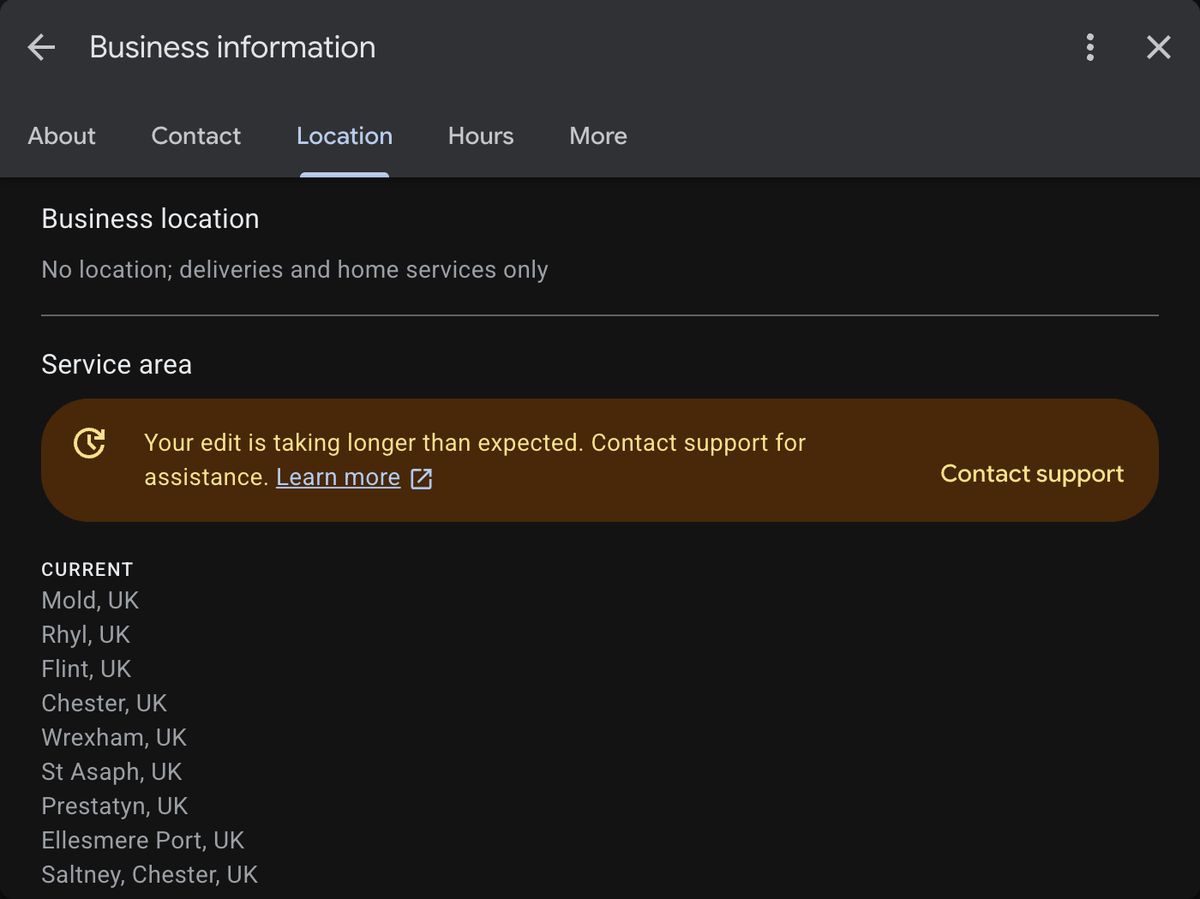
This is the section that replaces the pin on the map. It tells Google, and customers, where you work.
- You can add up to 20 areas, set by town, postcode or similar.
- You can't set a radius around your base.
- You can't add a whole country or state.
- Google says to keep the overall area within about two hours' driving of where you're based.
- Changes can take up to 48 hours to show.
Google also asks you to be as specific and accurate as possible. That's easy to get wrong, because a long list feels like more chances to be found. A list of towns you don't actually visit just invites a mismatch. Add the places you'd genuinely travel to.
Our own profile is set up this way: no address shown, and a service area covering Cheshire West and Chester and the North Wales coast. That's the patch we work in, so that's what it says.
Name, category and description
Name. Use the name people actually know you by. Don't add your town or your service to it. Google specifically lists location and service information as things a business name must not include, and "Smith Physio Chester Sports Massage" is how profiles get flagged.
Category. Choose the fewest, most specific categories that describe what you are. Google's test is "this business is a ..." rather than "this business has a ...". A podiatrist picks podiatrist, not a list of everything they treat.
Description. Say what you do, who you do it for and where. Keep it plain. Google doesn't allow links in the description, and it doesn't allow it to focus on prices or special offers.
Hours
This one catches people out. Google's guidelines say that businesses working by appointment only shouldn't list opening hours. If that's you, there's nothing to fill in. What matters more is making it obvious how to get in touch, so add your booking or enquiry link and phone number instead.
What replaces the shop window
With no building for customers to see, the profile's other sections do the work.
Services. Write them the way people search. People search for their problem, not your job title, so "bunion treatment" will serve you better than "foot care services".
Photos. Show you, your equipment, your van, a finished job. Skip stock images. They tell a customer nothing. If you're a practitioner, leave patients out of photos altogether, because it's simpler and safer.
Booking or enquiry link. Point it at a page that makes the next step obvious.
Reviews. When there's no building on the map, reviews are the nearest thing you have to a shop window. We've written about how to ask for them without breaking any rules and how to reply to them.
If you're a tradesperson
The profile works the same way, but you'll be judged on your last few jobs rather than your qualifications. Photos of finished work (with the customer's agreement) and a clear way to ask for a quote do the heavy lifting.
If you rent a room
If you rent a clinic room a few days a week, you're in a different position from someone who works entirely from home. Google's guidance for individual practitioners says you can have your own profile if people can contact you at the verified location during stated hours. If several practitioners share one site, the organisation has its own profile. Before you create yours, check whether the clinic already has a listing.
Six mistakes to avoid
-
Showing your home address when you don't see customers there
It risks suspension and puts your front door on the internet.
-
Using a PO box or virtual office instead
Google doesn't accept either.
-
Putting your town or service in the business name
Google doesn't allow it.
-
Listing areas you never visit
Be specific and honest.
-
A thin services list
This is where people find you for the thing they actually need.
-
Listing hours when you work by appointment only
Google says not to.
How to get started
- Decide which setup you are: shop front, service area or hybrid.
- Create or claim your profile. Enter your real address when asked, because Google needs one it can find to verify you.
- Choose not to show the address to customers, then add your service area.
- Choose your categories, and add your name and description.
- Add your services, photos and booking or enquiry link.
- Check it all again in 48 hours, once your service area edits have shown.
When it's worth getting help
None of this is difficult, but it's fiddly, and it needs looking after. Reviews need a reply, photos go stale, and your website needs to back up what the profile says. If you'd rather hand it over, the Complete plan includes Google Business Profile management, review handling and a monthly report. If you're a private practitioner, we've put everything together on our web design for practitioners page.
Common questions
Do I have to show my home address?
No. If you work from home and don't see customers there, Google's guidance is to hide it and show a service area instead.
How many areas can I add?
Up to 20, set by town, postcode or similar. Not a radius, and not a whole country or region.
Can I have a profile if I rent a room by the day?
Possibly. Google's practitioner guidance allows your own profile if people can contact you at the verified location during stated hours, and a shared site has its own organisation profile. Check the clinic's listing first.
Will Google still need my real address if I hide it?
Yes, to verify you. Google asks for an address it can find when you set the profile up. You can then choose not to show it to customers, and your profile will show only your service area.
Not sure yours is set up properly?
Tell us what you do and where you work, and we'll come back with honest advice and a clear price. No jargon, no pressure, no obligation.