
Enquiry forms vs online booking systems: what small practices actually need
You have decided your practice needs a proper website. Then someone says it should have a booking calendar, and suddenly it feels like the job just got bigger.
Do you really need one? Not always. Which of the two is right comes down to how your practice runs, not which one sounds more modern. This post explains what each does, where each goes wrong, and how to decide.
What each one actually is
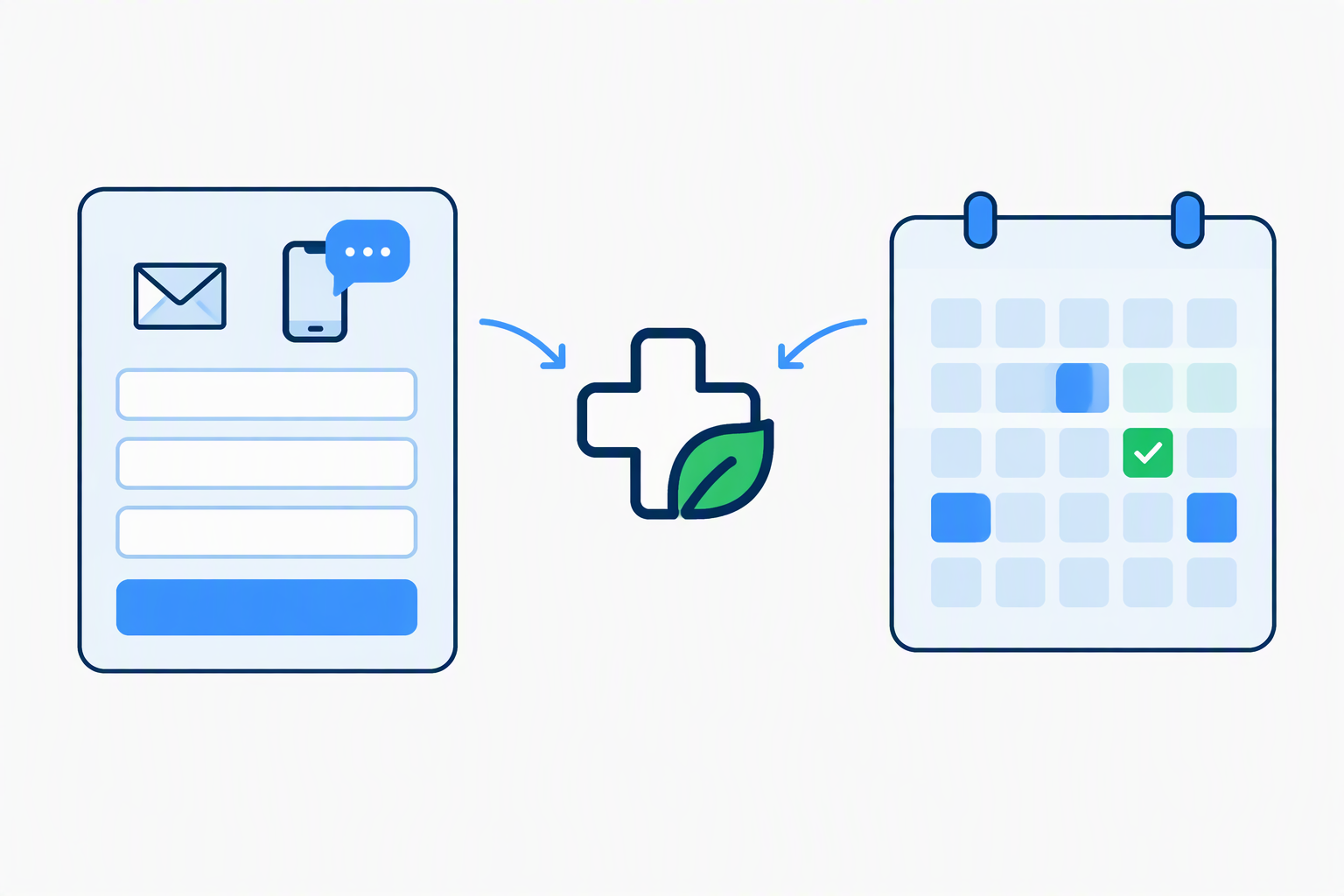
An enquiry form (sometimes called an appointment request form) lets a patient tell you what they need and when they would like to come in. It lands in your inbox, and you reply and agree a time. You stay in charge of your diary.
An online booking system shows your available times on the website. The patient picks a slot, and it goes straight into your calendar without you doing anything.
The honest comparison
| Enquiry form | Online booking | |
|---|---|---|
| Who decides which appointments happen | You | The patient, within the slots you open |
| Your diary | Stays where it is now | Has to live in the booking system, or be kept in step with it |
| Best for | Practitioners who want to triage first, or whose appointments vary | Practices with standard treatments and repeat patients |
| Admin | Replying to each request | Setting up and maintaining the calendar |
| New patients with a complaint | Suits them well, as you can ask a question or two before agreeing a time | Works, but they pick a slot without you knowing if it is the right one |
When an enquiry form is the better fit
If you run a one-person practice and your appointments are not all the same length, a form is usually enough. You can see what the patient wants before you offer a time, and you decide what to accept.
It also suits practitioners who already keep a paper or digital diary they are happy with, and who do not want to keep two diaries matching forever.
When online booking earns its place
Online booking makes more sense when most of your appointments are the same type and length, when a lot of your patients come back regularly, or when your phone rings all day with people asking what slots you have left. In that case, letting patients help themselves saves you time.
What goes wrong with each
Enquiry forms fall down when nobody replies quickly. A patient who sends a request and hears nothing for two days will try someone else. Fix this with an automatic reply that confirms you have received the request, and a promise of when they will hear from you.
Booking systems fall down when the calendar does not match real life. It might show gaps that are not really free, let people book the wrong length of appointment, or need constant attention to stay accurate. A booking system that is wrong is worse than no booking system.
What good looks like either way
Whichever route you choose, a patient on their phone should be able to reach you in a few seconds. That means:
- a tap-to-call number
- a short form, with only the questions you genuinely need
- an automatic reply so they know it has arrived
- a notification to your phone when a request comes in
- the whole thing tested from start to finish before the site goes live
A real example: Linda Pearson Podiatry
When we built Linda's website, she wanted to take booking requests through the site. She did not want to digitise her diary and then keep it matched to an online calendar forever.
So we gave her an enquiry form. Requests arrive by email and she follows up by phone. It keeps her in control of what gets accepted and when. It does not show gaps in the diary that are not really gaps, and it added nothing to her weekly admin.
The right answer for a sole practitioner is not always the more automated one.
A note on patient details
Whichever route you choose, think about what patients are telling you. The Information Commissioner's Office, which regulates data protection in the UK, says appointment details can count as health data when they reveal something about a person's health. Its own examples include a list of appointments at an osteopath clinic or an invoice for a series of physiotherapy sessions.
You do not need to be alarmed by this, but it is a good reason to ask only for what you need, and to make sure your privacy notice covers whichever form or booking tool you use. If you want to read the ICO's wording yourself, it is on its page about special category data. Your professional body can also tell you what it expects of you.
How to decide in five minutes
Ask yourself:
- Are most of my appointments the same type and length?
- Do I want patients choosing their own slot, or do I want to see the request first?
- Am I happy to keep my diary in a new system, or does it live somewhere I trust already?
- Do I get many calls just asking what is free?
If the answers are mostly yes, online booking is worth a look. If you want to stay in control of your diary, an enquiry form will serve you well, and you can add booking later if your practice changes.
Common questions
Do I need online booking to look professional?
No. A clear, quick way to get in touch matters far more than a calendar. Many well-run practices take requests by form and phone.
Can I start with an enquiry form and add booking later?
Yes. That is a sensible way to work. You can see how patients actually contact you before deciding whether a calendar would help.
Can I limit how far ahead patients can book online?
It depends on the tool, so ask before you commit. With an enquiry form it is not an issue, because you choose which requests to accept.
Is it safe to take patient details through a website form?
It can be, if you keep the form short, only ask for what you need, and make sure your privacy notice covers it. See the note on patient details above.
Can I offer both phone and online?
Yes, and most practices should. Some patients will always want to ring.
Not sure which suits your practice?
We set up enquiry handling for private practitioners as part of every build, and we will tell you honestly which way we would go for yours.